
CATEGORY REFERENCE

The cb777a App For Android And iOS

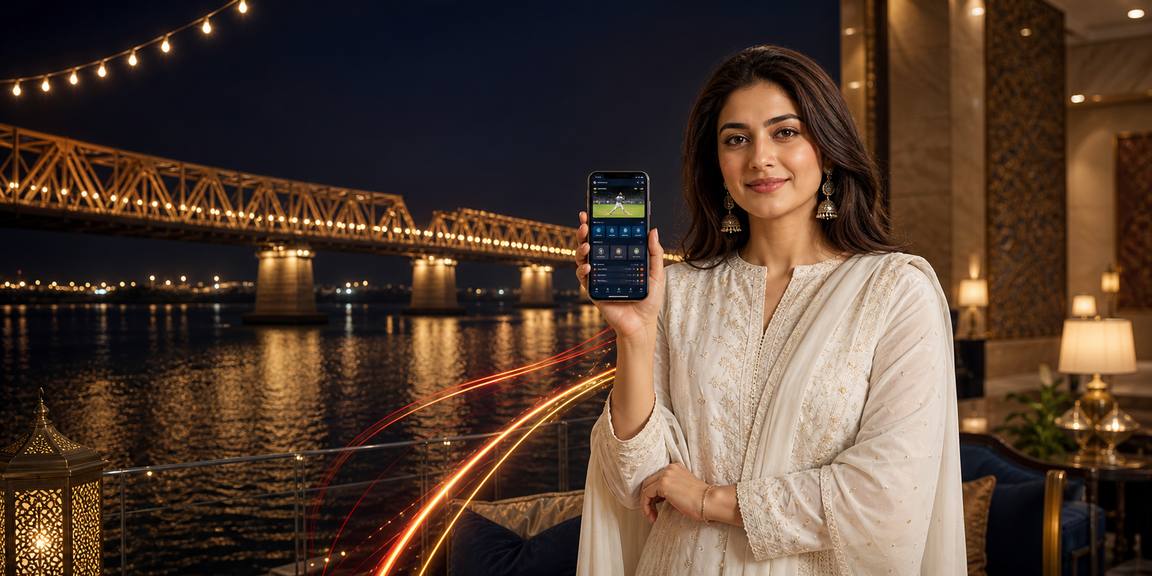
The cb777a app puts your favourite slots, live tables and account controls into a quick phone experience built for Pakistan. Download the Android APK or prepare your iOS...

AndroidiOSAPK 30MBPush alerts
cb777a The cb777a App For Android And iOS
cb777a A Focused Lobby For Your Phone

A Focused Lobby For Your Phone

Our mobile app keeps the core lobby close while adding phone-first controls. You can receive notifications about table availability, return to saved slot rooms and keep a betslip ready while moving between screens. Quick deposit access supports JazzCash, Easypaisa, SadaPay and Raast where available, while fingerprint login reduces repeated typing on compatible devices. The compact layout also makes live streams easier to

follow on smaller displays.

  • Live table alerts
  • Quick account funding
  • Fingerprint login

App Features Built Around Your Routine

We shaped the app around short sessions and clear touch controls rather than copying a desktop page. You can keep the lobby dark in low light...

Fast sign-in

A remembered device can take you to the login screen with fewer fields, while fresh devices still pass the normal account checks before the lobby opens.

Biometric entry

Use fingerprint or face recognition when your phone supports it. The app relies on your handset security layer rather than storing a separate biometric image.

Dark mode

Switch to a darker interface for evening sessions and lower screen glare. Menus, game cards and account controls remain arranged for clear thumb navigation.

Push controls

Choose whether table, account or service alerts appear on your phone. You can adjust these permissions in the app or through your device settings.

Offline lobby preview

When reception drops, cached lobby elements can still show selected categories and saved titles. A live connection is required before opening a table or confirming an account action.

Saved favourites

Mark slot rooms and live tables you return to often. Your saved list gives you a shorter route back after signing in on the same account.

cb777a Install In Three Clear Steps

Install In Three Clear Steps

Getting the cb777a app onto your phone takes only a few deliberate steps. Use the Android download route supplied by cb777a, check the file before opening it and confirm the requested permissions. iOS access follows the available Apple route for your supported region. Once installed, open the app, enter your account details and complete any security prompt shown on screen.

  • Download APK
  • Allow the install
  • Open and sign in
DEVICE CHECK

Compatibility For Common Phones

We keep the app requirements straightforward so you can check your handset before downloading. Android access works on supported recent versions, while iOS availability depends on the Apple release route and region...

Auto-refresh hourly
cb777a Android version

Android version

92%

Android 8.0 or later is recommended for the current APK and its notification controls.

cb777a iOS version

iOS version

97%

iOS 15 or later is recommended where the cb777a app route is available in your supported...

cb777a RAM

RAM

96%

At least 3 GB RAM helps the lobby, streamed tables and account screens change smoothly.

cb777a Storage

Storage

95%

Keep around 100 MB free for the app, cached images and normal update files.

cb777a Supported regions

Supported regions

94%

Access is intended for Pakistan and other supported regions where local law permits.

RTP percentages are informational reference values from provider documentation. Actual session outcomes vary.

SCREEN TOUR

See How The App Sections Connect

The cb777a app is arranged so each screen has a clear job. The home view brings forward your selected categories, the live area keeps stream cards easy to...

cb777a mobile gaming
Live lobby preview
Quick betslip
Account access
Slot favourites
Table alerts
APP HELP DESK

Help When Your App Needs Attention

If installation, sign-in or notifications do not behave as expected, our app support paths help you isolate the issue. Tell us your phone model, operating system and the screen where the problem appeared, while leaving out your password and security codes. We can then point you towards the correct download route, account check or device setting for supported Pakistani access.

Team online

App support chat

Open the support chat from the app or account page and describe the exact step that stopped working. We can check current service status and suggest the next action.

Email

Send your device model, app version and a clear description of the issue. Never include your password, one-time code or full payment credentials in a message.

Install help

If the APK will not open or iOS access is unavailable, support can confirm the route for your region and explain which phone permission needs attention.

SECURITY DETAILS

Practical Signals Around App Safety

We treat the mobile app as an account access point, not just a shortcut to game cards. Download routes are kept separate from unrelated third-party stores, and session...

Signed app file

The Android package is supplied through the cb777a route and carries its release signature. Compare the source and package details...

No third-party stores

Use the cb777a download route rather than random app directories. This reduces the chance of installing an altered package that...

Device checks

A new phone or unusual sign-in may prompt an extra account check. These steps help separate your normal mobile session...

Recovery process

Lost-phone recovery uses account details and verification before a new device is accepted. Support will not ask you to reveal...

Session controls

Check active access through your account settings and sign out of a handset you no longer use. This gives you...

Secure connection

The app uses an encrypted connection for account traffic. Keep your operating system updated and avoid entering account details on...

APP OR BROWSER

Why Use The App Instead

A mobile browser remains useful when you are borrowing a phone or cannot install an app, but the cb777a app is designed for repeat access on your own device. It remembers your...

01

Home-screen access

The app opens from your phone screen with one tap, while a browser requires you to find a tab or enter the site address before reaching your account.

02

Push alerts

App notifications can surface selected table or service updates even when the lobby is closed. Browser alerts depend more heavily on your current tab and settings.

03

Touch layout

Buttons and cards are arranged for a narrow phone display, making account tabs and saved rooms easier to reach than a desktop-shaped browser page.

04

Biometric login

Compatible devices can use a fingerprint or face check through the app. A browser session may require you to type account details more often.

05

Cached elements

The app can retain selected lobby elements for a brief offline preview. A browser generally reloads the page when reception changes.

06

Updates

The app can signal when a new release is needed. Browser access updates through the web route without storing an installed package.

DAILY APP FLOW

Six Reasons To Keep It Installed

The app earns its place on your phone through small moments that add up: a shorter login, a cleaner live screen and account tools that remain nearby. We...

One-tap return After sign-in, the home screen can take you back to...
Stream-friendly view Live table cards prioritise the stream and key controls on...
Clear account tab Profile, security, wallet access and session controls sit in a...
Saved categories Keep your selected slots or table groups close to the...
Permission choice Notifications, camera access and other phone permissions can be managed...
Local account routes Where supported, the mobile wallet can connect with JazzCash, Easypaisa...

Questions About The cb777a App

Yes. Android access uses the cb777a APK route. Check that your phone meets the supported version and storage requirements, then download the current file, approve the installation prompt and sign in through the app.

iOS access depends on the available Apple route in your supported region. Use the current cb777a mobile route, check the required iOS version and keep your Apple account and device security active during installation.

Compatible Android and iOS devices can use fingerprint or face recognition after your first secure sign-in. The phone handles the biometric check, while cb777a receives the successful device authentication result.

They can work on a stable mobile data connection, although video quality and loading time depend on signal strength. If reception changes, the app may show lobby elements while waiting for the live stream to reconnect.

Use the current cb777a download route to obtain the latest APK and install it over the existing version when prompted. Check the package source before opening it, and contact support if Android blocks the update.

Where supported, the mobile wallet can connect with JazzCash and Easypaisa, along with SadaPay or Raast. Choose the available route shown in your account and follow its confirmation screen before returning to the app.

Contact cb777a support promptly, change your account password from another secure device and ask us to check active sessions. Recovery may require account and device verification before a replacement phone is accepted.